


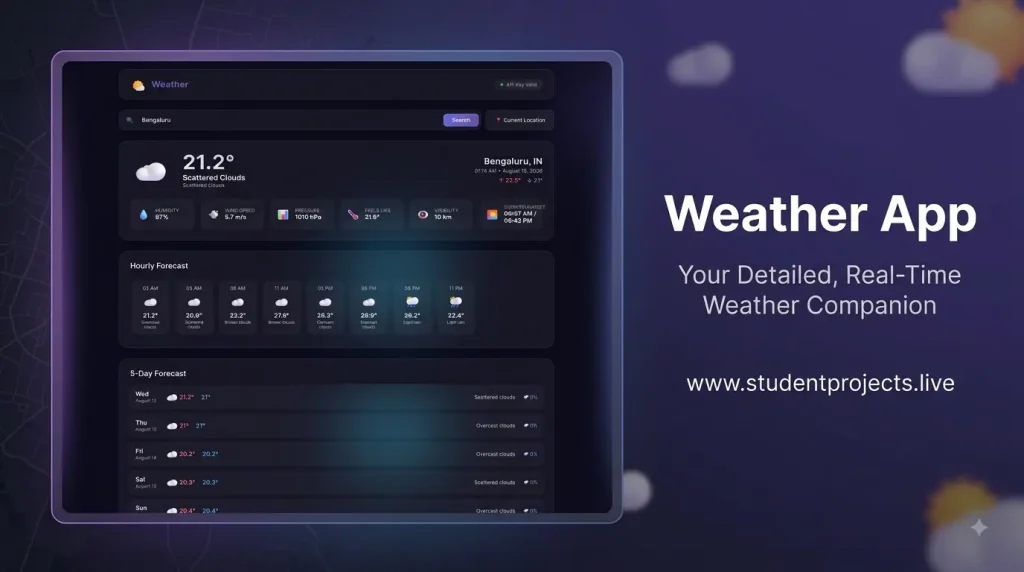
This project is a Weather App built using Django, which is a popular Python web framework. Think of it as a website where you can check the weather for any city in the world. It’s like having a personal weather station on your computer or phone! It features a modern, responsive UI with glassmorphism design, animated backgrounds, and comprehensive weather data including current conditions, hourly forecasts, and 5-day predictions.
Imagine you want to know if it’s raining in Mumbai or sunny in Bengaluru. You just type the city name into the search box, and the app shows you all the weather information you need. It’s like magic, but it’s actually technology working behind the scenes!
Purpose
- Provide accurate, real-time weather information
- Offer an intuitive and visually appealing user interface
- Support multiple cities worldwide
- Enable location-based weather detection
- Shows you weather for any city
- Provides current conditions and forecasts
- Looks great on any device
- Is easy to use and understand
- Is built with professional tools (Django + Python)
- Gets real data from OpenWeatherMap

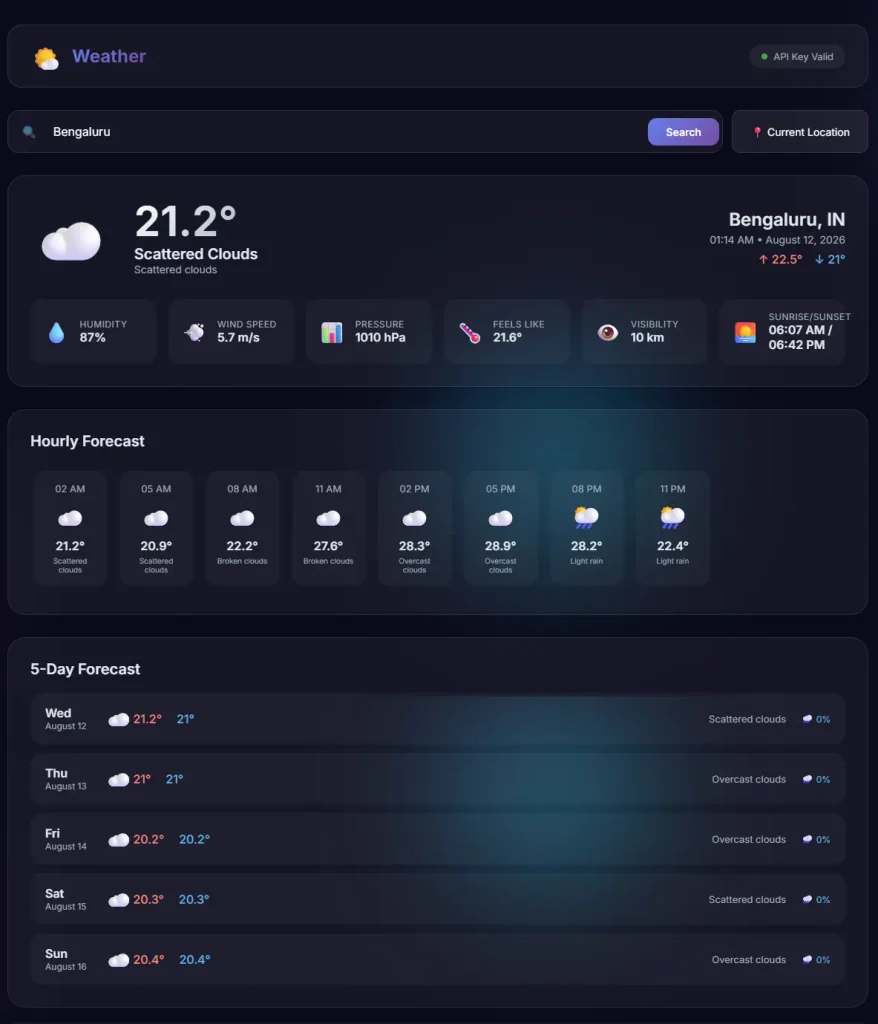
Core Features
- 🌡️ Current Weather: Temperature, feels-like, conditions
- 📊 Detailed Stats: Humidity, wind speed, pressure, visibility
- 📅 5-Day Forecast: Daily high/low temperatures with precipitation
- 🕐 Hourly Forecast: Next 8 hours weather predictions
- 📍 Location Detection: Auto-detect weather for current location
- 🔍 City Search: Search for any city globally
Technology Stack
Backend
- Django: Python web framework
- Python: Programming language
- Requests: HTTP client for API calls
- SQLite: Default database (can be swapped)
Frontend
- HTML5: Semantic markup
- CSS3: Custom styling with animations
- JavaScript (Vanilla): Dynamic functionality
- Google Fonts: Inter font family
Development Tools
- pip: Package manager
- virtualenv: Python environment management
- Git: Version control
Get a Free API Key:
- Go to OpenWeatherMap
- Sign up for a free account
- Get your API key from the dashboard
- Replace
YOUR_API_KEY_HEREinsettings.pywith your actual key
Step-by-Step Guide
- Open the App: Go to http://127.0.0.1:8000 in your browser
- Search for Weather:
- Type a city name (e.g., “Mangaluru”)
- Click the Search button
- Or press Enter on your keyboard
- View Results:
- See current weather at the top
- Check weather stats in the middle
- Look at hourly forecast
- Check 5-day forecast at the bottom
- Use Location Feature:
- Click “📍 Current Location”
- Allow location access when prompted
- See weather for your area
Video Demo
