


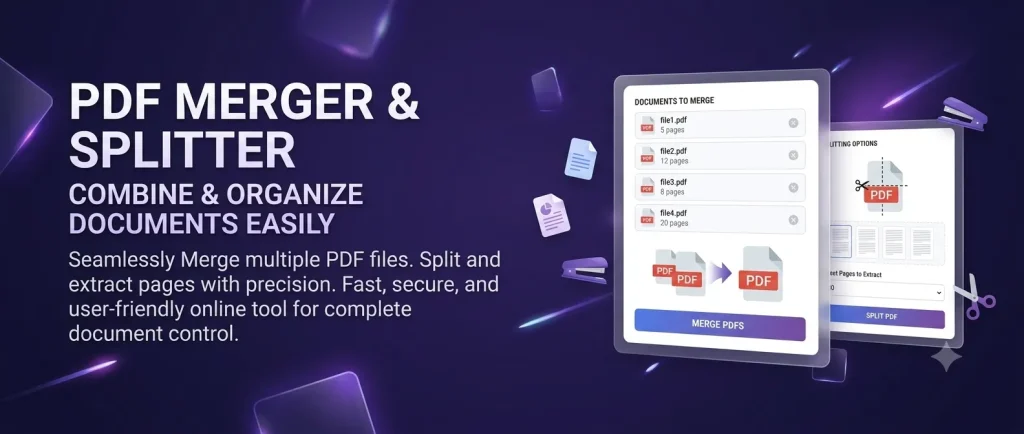
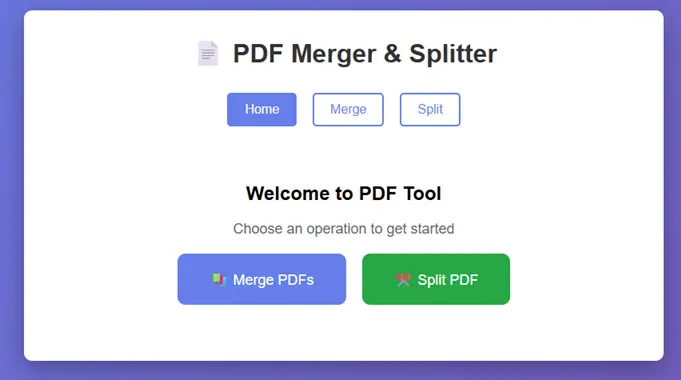
The PDF Merger & Splitter is a web-based application developed using Django framework that enables users to perform two fundamental PDF operations: merging multiple PDF files into a single document and splitting a PDF file into multiple parts. The application provides a user-friendly interface with drag-and-drop functionality, making it accessible to users without technical expertise. Built with Python and PyPDF2 library, the system ensures efficient PDF processing while maintaining document integrity and quality.

Features
- Merge multiple PDFs into a single PDF
- Split a PDF into separate pages or page ranges
- Download generated PDF outputs
Scope
- Merging multiple PDF files (up to 5 files)
- Splitting PDF at specified pages
- Uploading PDF files
- Downloading processed files
- Basic validation and error handling
- User-friendly interface
Technology Stack
| Component | Technology |
|---|---|
| Framework | Django |
| Language | Python |
| PDF Processing | PyPDF2 |
| Database | SQLite |
| Frontend | HTML, CSS |
| Development Server | Django Development Server |
| Version Control | Git |
| Operating System | Windows/Linux/Mac |
Functional Modules
Module 1: PDF Merging
| Feature | Description |
|---|---|
| File Selection | Select up to 5 PDF files |
| Validation | Verify file format and size |
| Processing | Merge all pages in sequence |
| Output | Generate single merged PDF |
| Download | Provide download link |
Module 2: PDF Splitting
| Feature | Description |
|---|---|
| File Selection | Select single PDF file |
| Split Points | Enter page numbers or ranges |
| Validation | Validate split points |
| Processing | Split PDF accordingly |
| Output | Generate multiple PDF parts |
| Download | Provide download links |
Installation Procedure:
- Open a terminal in the project root directory.
- Create and activate a virtual environment:
PowerShell:python -m venv venv .\venv\Scripts\Activate.ps1
Command Prompt:python -m venv venv .\venv\Scripts\activate.bat - Install required packages:
pip install django pypdf2 - Apply database migrations:
python manage.py migrate
Running the Project
Start the development server:
python manage.py runserverThen open the app in your browser with auto generated IP address