


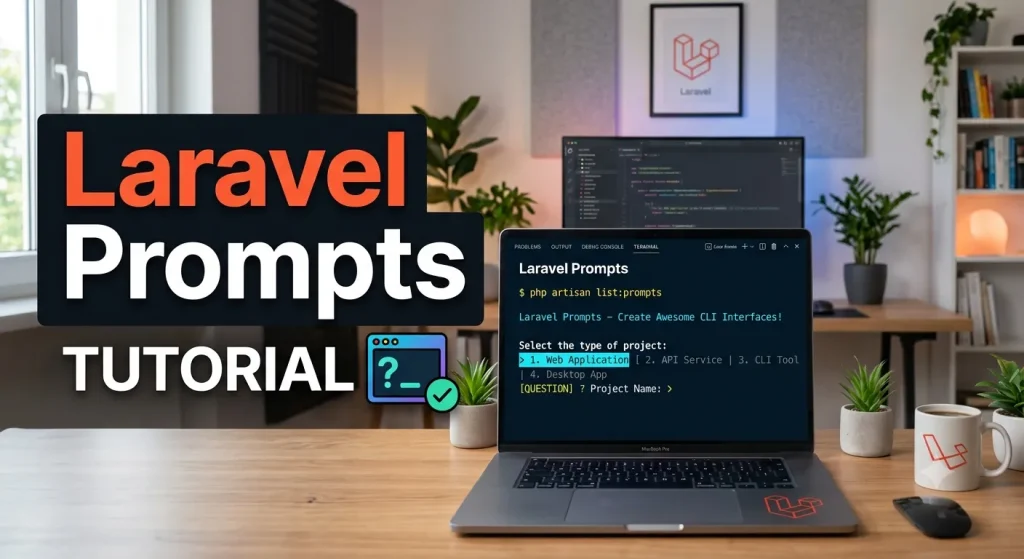
What is Laravel Prompts?
Imagine you’re creating a program that runs in the terminal (that black screen with text). Normally, when you ask the user for input in the terminal, it’s very basic and boring – just plain text with no style.
Laravel Prompts is like giving your terminal program a makeover! It’s a tool that lets you create beautiful, interactive forms right inside the terminal.
Think of it like this:
- Normal terminal input = filling out a paper form with a pen
- Laravel Prompts = filling out a website form with drop-down menus, checkboxes, and helpful hints
🎯 Why Should We Care?
Here’s what makes Laravel Prompts special:
✅ Beautiful design – Looks nice instead of boring text ✅ User-friendly – Easy for anyone to use, like a website ✅ Smart features – Has placeholder text, validation (checks if input is correct), and helpful hints ✅ Interactive – Users can use arrow keys, type, and get feedback
🛠️ Getting Started
Installation (for Laravel Users)
If you’re using the latest Laravel, you already have it! No installation needed.
Installation (for other PHP projects)
composer require laravel/prompts
💡 Quick Example in routes/console.php
Note: In Laravel, if you want to quickly test Laravel Prompts, you can write the code inside routes/console.php.
Example:
use function Laravel\Prompts\text;

Artisan::command('mylaravelprompt', function () {
    $name = text('What is your name?');
    $location = text(
        label: "Hey $name!, 👋 Enter your Location "
    );
    $this->info("Hello $name! 👋, You are from $location");
})->purpose('My Laravel Prompt');
This file is commonly used for small Artisan commands and prompt examples.
▶ Running the Command
After adding that code, you can run the command in your terminal like this:
php artisan mylaravelprompt
In simple words
php artisan mylaravelprompt is the command you type to start your custom Laravel prompt example in the terminal.
📝 The Different Types of Prompts (Like Different Question Types!)
1. 📝 Text – For Short Answers
Like a single-line text box on a website.
use function Laravel\Prompts\text;

$name = text('What is your name?');
What it looks like: A simple input field where users type their answer.
Example with Required Values:
If you require a value to be entered, you may pass the required argument:
$name = text(
    label: 'What is your name?',
    required: true
);
If you would like to customize the validation message, you may also pass a string:
$name = text(
    label: 'What is your name?',
    required: 'Please enter your name before continuing.'
);
Now, if the user leaves the input blank, Laravel Prompts will show your custom message instead of the default one. This is helpful when you want your prompts to sound more friendly or give clearer instructions.
✨ Additional Validation – Extra Rules for Checking Input
Sometimes, required is not enough. For example, you may want to make sure a name is not too short and not too long.
That is where additional validation comes in.
You can pass a closure to the validate argument. A closure is just a small function that checks the value and returns:
- an error message if something is wrong
nullif everything is okay
$name = text(
    label: 'What is your name?',
    validate: fn (string $value) => match (true) {
        strlen($value) < 3 => 'The name must be at least 3 characters.',
        strlen($value) > 255 => 'The name must not exceed 255 characters.',
        default => null
    }
);
How this works:
- If the name has less than 3 characters, Laravel Prompts shows:
"The name must be at least 3 characters."
- If the name has more than 255 characters, it shows:
"The name must not exceed 255 characters."
- If the name is valid, it accepts the input and continues
2. 📄 Textarea – For Long Answers
Like a big text box for paragraphs!
use function Laravel\Prompts\textarea;

$story = textarea('Tell me a story.');
3. 🔒 Password – For Secrets
Like a password field on a website – the text is hidden with dots.
use function Laravel\Prompts\password;

$password = password('What is your password?');
4. ✅ Confirm – Yes/No Questions
Like a checkbox asking “Do you agree?”
use function Laravel\Prompts\confirm;
$confirmed = text( label: ‘Do you accept the terms? (yes/no)’, required: true, validate: fn (string $value) => in_array(strtolower(trim($value)), [‘yes’, ‘no’], true) ? null : ‘Please type yes or no.’ );
echo strtolower(trim($confirmed)) === ‘yes’ ? ‘You have accepted it.’ : ‘You have declined it.’;
6. 📋 Select – Choose from a List
Like a dropdown menu on a website.
use function Laravel\Prompts\select;

$role = select(
    label: 'What role should the user have?',
    options: ['Member', 'Contributor', 'Owner']
);
echo "You have selected " . $role;
🧠 Remember This!
| Prompts | Questions you ask the user in the terminal |
| Validation | Checking if the answer is correct |
| Form | A group of prompts together |
| Placeholder | Example text that disappears when you type |
| Hint | Extra information shown under the question |
🎯 Quick Reference Table
| Prompt TypeWhen to UseExample | ||
|---|---|---|
text() | Short answers | Name, email |
textarea() | Long answers | Story, description |
number() | Numbers | Quantity, age |
password() | Secrets | Password, API key |
confirm() | Yes/No | Terms acceptance |
select() | Choose one | Role, category |
🔗 Where to Learn More
📖 Official Documentation: Laravel Prompts Docs
💻 GitHub: laravel/prompts
🏁 Final Summary
Laravel Prompts is a tool that makes your terminal programs:
- Look beautiful – Like a website, not boring text
- Easy to use – Interactive with arrow keys and helpful hints
- Smart – Validates input and gives helpful error messages
- Professional – Makes your commands feel polished and complete
Think of it as turning your terminal into a user-friendly app! 🚀